
How to Pre-Screen Cards Before Grading: A 5-Minute Reject-First Routine
April 1, 2026 · 8 min read
A fast pre-screen workflow for centering, corners, edges, surface, and value so you can reject weak submissions before they eat grading fees.

Last reviewed: April 2026. Service information, grading standards, and market context were checked against current hobby guidance and official source pages where applicable.
The fastest way to improve your grading ROI is to reject more cards before they reach a submission. A 5-minute at-home pre-screen can filter out the submissions where fees exceed realistic upside ” before you spend $30”“$150 on grading, shipping, and selling friction.
The core rule
A card should be obviously, comfortably worth grading before you spend money on grading it. If the pre-screen does not give you a clear yes, the answer is no.
The 5-minute pre-screen routine
Check centering in 30 seconds
Hold the card face-up. Look at the border widths on all four sides. If any border looks visibly wider than its opposite, the card almost certainly fails 60/40 centering ” and probably 55/45 too.
✓ Pass
Borders look roughly equal on all four sides.
✗ Fail
One or more borders visibly wider than the opposite side.
Pro tip: Use the centering grid method: lay the card flat, compare front and back simultaneously.
Inspect corners in 60 seconds
Use a jeweler's loupe or your phone's macro lens. Check all four corners for: whitening, dings, rounding, fraying, or compression marks from binder pages. Corners are the most common single point of failure.
✓ Pass
All four corners look sharp, white, and unbroken under raking light.
✗ Fail
Any corner shows whitening, a visible ding, or rounded softness.
Pro tip: A 10x loupe and a bright LED torch (flashlight at a shallow angle) reveal edge whitening invisible to the naked eye.
Scan edges in 60 seconds
Run your thumbnail along each edge. Feel for scuffs, chips, whitening from handling, or surface cracks. Do not press hard ” you are not testing structural integrity, you are checking for surface damage.
✓ Pass
All four edges are smooth and white with no visible scratches.
✗ Fail
Any edge shows chipping, scuffing, whitening, or surface cracks.
Pro tip: A white cotton cloth over your fingers helps feel subtle edge issues without leaving new marks.
Check surface under raking light in 60 seconds
Use a flashlight at a very shallow angle across the card face. Scan for: print lines (manufacturing defects, not damage), scratches, gloss variations, and pressure marks. These are the hardest defects to photograph but often kill gem grades.
✓ Pass
The surface is clean under raking light. No unexpected lines, scratches, or gloss variation.
✗ Fail
Any print line, scratch, or surface irregularity under raking light.
Pro tip: Raking light (flashlight at 5”“10 degrees from horizontal) is the single most revealing technique in card inspection.
Confirm value math in 90 seconds
Look up the raw sale price and the PSA 10 sale price for the same card on eBay (filter: sold listings, last 90 days). Then subtract: grading fee + round-trip shipping + selling fees (typically 16% for eBay + PayPal). Does the result still beat holding the card raw?
✓ Pass
PSA 10 price minus all costs leaves a meaningful gain over raw.
✗ Fail
The math does not work even in the best-case (PSA 10) scenario.
Pro tip: eBay sold listings are the most reliable real-time market data. Filter to recent, completed sales only.
The reject-first mindset shift
Most collectors frame pre-screening as finding cards worth grading. The better frame is: proving a card deserves to be graded. This inversion changes the threshold. Instead of asking "is this card nice enough?" you ask "can I rule out the most common failure modes?"
This is not about being negative. It is about not spending $50”“200 in fees, shipping, and selling costs on a card that comes back as a PSA 8 when a PSA 8 does not meaningfully outperform the raw sale price after costs.
Use AI to supplement the manual check
The 5-minute routine catches the obvious failures. AI grading catches the subtler issues and gives you a data point that is independent of your emotional attachment to the card. Upload a front photo to Master Grade and cross-reference the AI grade estimate against your manual assessment. If they diverge significantly, look more carefully before committing to a submission.
The pre-screen scorecard
Run this before every submission decision:
Ready to pre-screen your cards?
Use the 5-minute routine and then cross-check with an AI grade estimate before committing to any submission.
Related: Common Grading Mistakes to Avoid, Which Cards Are Worth Grading?, Centering Guide
Related Articles
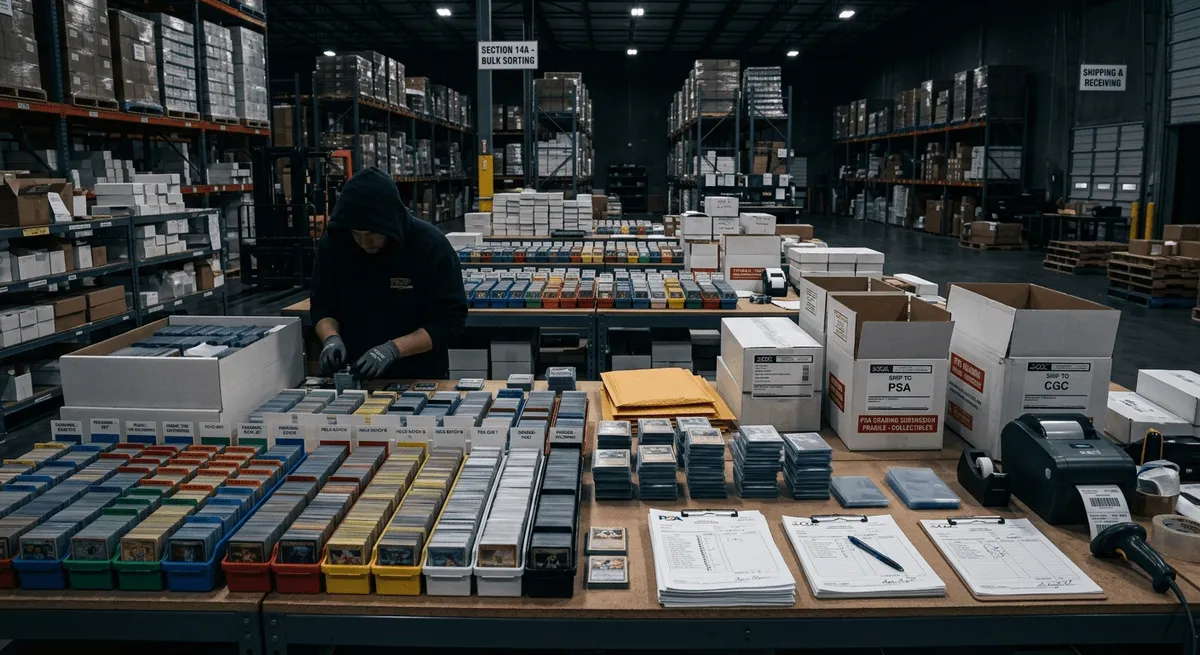
Preparing a Bulk Card Grading Submission: Checklist and Strategy
How to sort, screen, rank, and pack a bulk submission so the best cards get graded and the weak ones stay out of the order.
April 1, 2026 · 8 min read
Sports Card Surface Defects Guide: Print Lines, Dimples, and Scratches
The surface flaws that quietly wreck gem rates on chrome and glossy sports cards — and how to catch them before submitting.
April 1, 2026 · 8 min read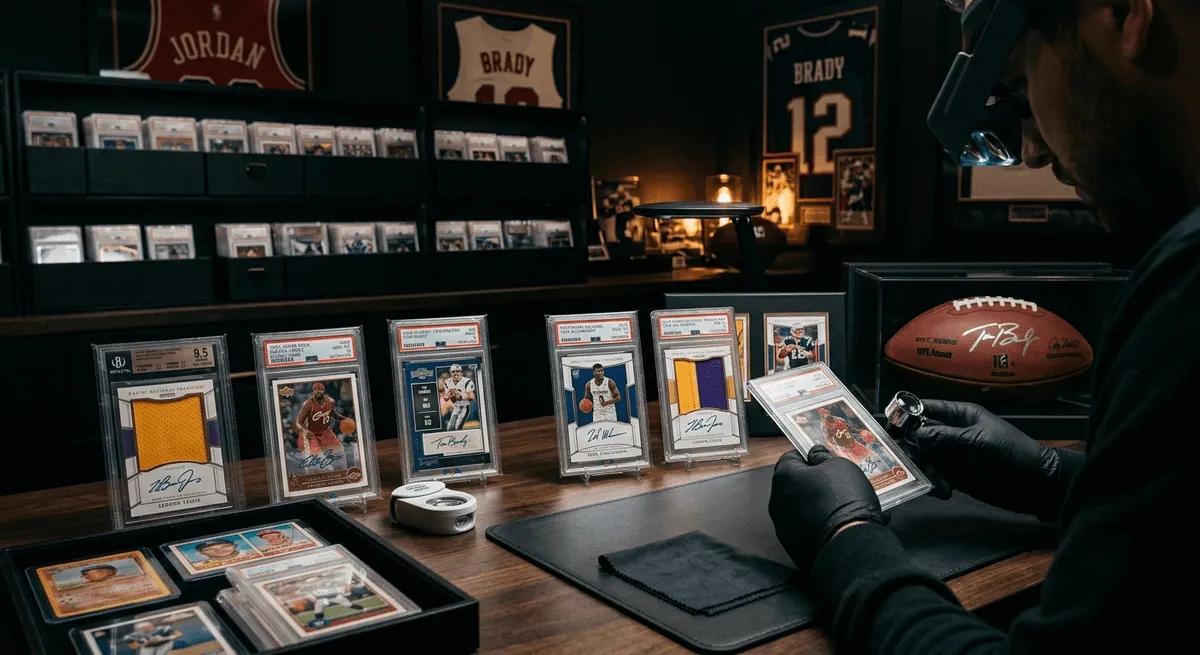
Sports Card Grading in 2026: What Actually Deserves a Submission
Modern chrome, vintage stars, rookie hype, and population traps — a realistic 2026 submission framework for sports card collectors.
April 1, 2026 · 9 min read
Day 1 of the 2026 Pokémon Los Angeles Regional Championships now underway featuring Pokémon VGC, Pokémon TCG and Pokémon GO events, tune in to the official livestream feeds here
The 2026 Pokémon Los Angeles Regionals are underway! Learn what this means for card collectors and how MasterGrade AI grading can help maximize value.
May 9, 2026 · 2 min read